
The ultimate guide to choosing the best GPU for Linux gaming

Every great adventure begins with a single choice and for many computer lovers that choice is moving away from the crowded world of Windows to the peaceful landscape of Linux. Imagine a computer that does not interrupt you with unwanted updates or track your every click.
This is the promise of Linux. It is a place where you truly own your machine. For gamers, the most important part of this new home is the graphics card, and this article is ultimate guide to choosing the best GPU for Linux gaming.
It is the engine that brings your favorite stories and worlds to life. While people used to say that gaming on Linux was a difficult chore, the truth today is much more welcoming. Whether you are a total beginner or just someone looking for a change, finding the right hardware is the first chapter in your new gaming story.
How to find your footing in this new world of LINUX
When you first arrive in the world of Linux, you will choose what is called a distribution. You can think of this as the personality of your computer. Some are very stable and calm, while others are fast and modern. A common worry for newcomers is whether their computer will even turn on properly. If you have a brand new graphics card, it might be so fresh that the older versions of Linux do not recognize it yet.
This can feel a bit scary, but the solution is very gentle. By choosing a slightly more modern version of your software, the computer can automatically find the right instructions to talk to your hardware. You do not need to be a computer scientist or type in complicated codes. Most of the time, the system will hold your hand and get everything ready for you while you sit back and relax.
The foundation of your open source home
Before we look at the specific brands of hardware, it is important to understand how Linux talks to your graphics card. In the world of Windows, you are likely used to downloading a heavy piece of software and clicking through many menus to get things running. On Linux, the process is much more integrated. The system uses a layer called the kernel which acts as the brain of the operation. For the best experience, you want your graphics card to speak the same language as this kernel.
When you first install a version of Linux, such as the popular Ubuntu, you are setting the foundation for your house. If you are using very new hardware that was released in the last few months, you might find that a standard installation feels a bit lost. This is because the older stable versions of the system do not yet contain the latest dictionary of hardware instructions.
To solve this, many gamers choose a path that provides a more recent kernel. This is not as difficult as it sounds. It simply involves selecting a version of the operating system that is labeled as a short term release or a rolling release. These versions are updated more frequently, ensuring that when you plug in a cutting edge graphics card, the system recognizes it instantly. This removes the need for the user to hunt for drivers or use complex commands.
Instead, the hardware and software greet each other like old friends, allowing you to move straight into the fun part of choosing your games and customizing your desktop. This seamless start is the first step toward a holistic computing life where the machine serves the user rather than the other way around.
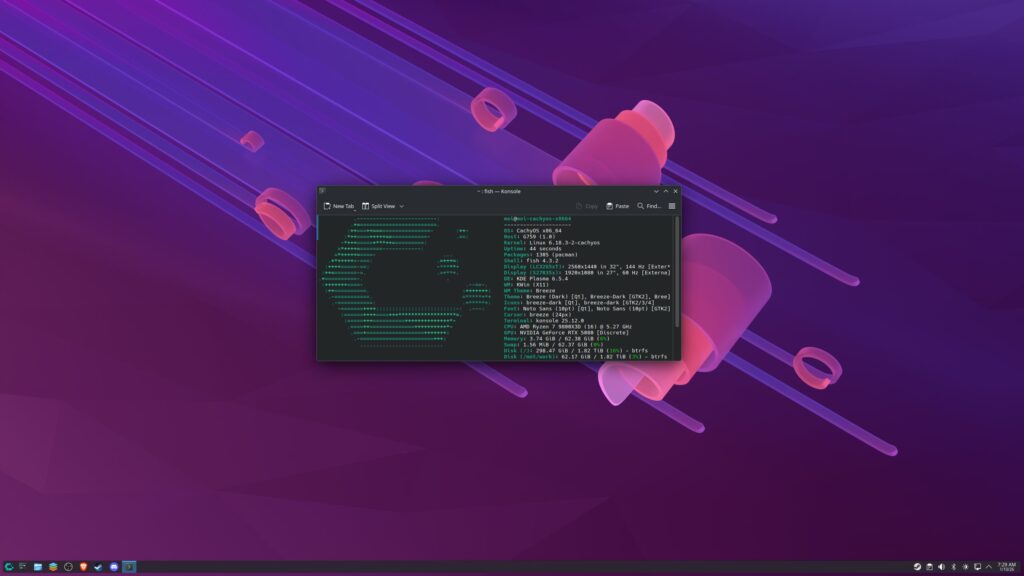
A day in the life of a LINUX user
Once your system is settled, the daily experience is remarkably tranquil. One of the most insightful discoveries for new users is that Linux is incredibly efficient at managing basic tasks. Whether you are browsing the internet with dozens of tabs open, editing photos, or streaming high definition video, the system remains snappy and responsive. In testing across various brands of hardware, from the high end enthusiast cards to the budget friendly options, the performance during regular desktop use is nearly identical.
This is a clear tribute to the hard work of thousands of developers who have optimized the way Linux handles visual information.
In fact, many professionals who work on the very core of the Linux system choose their hardware based on comfort rather than brand names. They often look for cards that run cool and quiet, ensuring their workspace remains a peaceful environment for creativity.
This shows that while we often focus on raw power for gaming, the real value of a well chosen GPU on Linux is how it disappears into the background of your life. It provides a smooth and reliable canvas for whatever you want to achieve, whether that is professional work or just staying connected with friends and family across the world.
How to choose the best GPU for Linux gaming
Number 1. AMD and the beauty of open collaboration
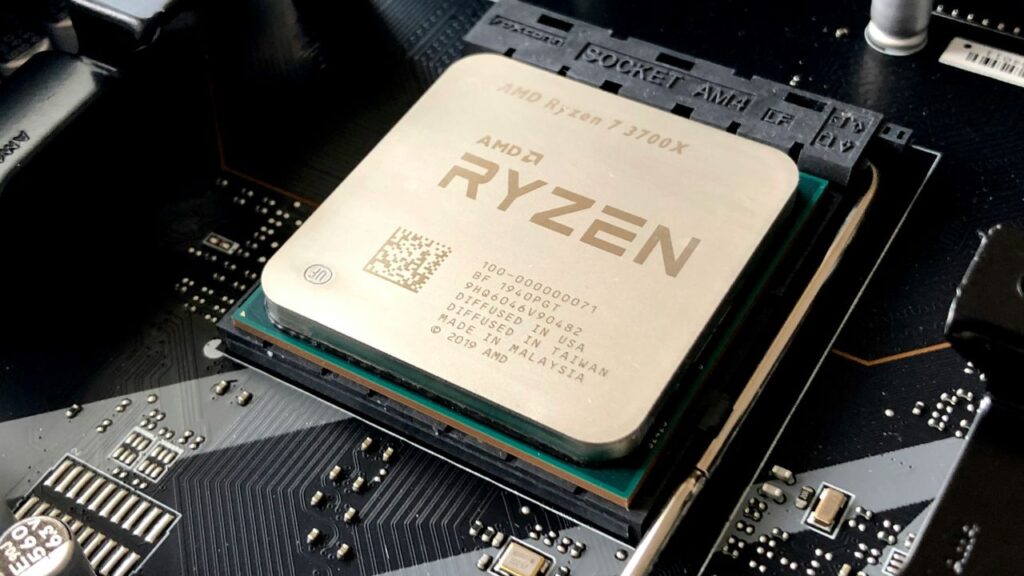
As we turn the page to the specific story of gaming performance, AMD emerges as a central hero. For many years, AMD has made a conscious decision to share the inner workings of its hardware with the Linux community. This open source approach means that the drivers for AMD cards are built directly into the Linux kernel itself.
This creates a level of harmony that is hard to find anywhere else. Because the drivers are native to the system, they are incredibly lean and fast. When you play a game using an AMD card on Linux, the translation layer that allows Windows games to run on Linux has a much easier time doing its job.
The results of this partnership are impressive. In many high end games, an AMD card on Linux will perform at nearly ninety five percent of the speed it achieves on Windows. In a few special cases where a game has been perfectly optimized for Linux, you might even see the performance exceed what is possible on a traditional Windows setup.
This makes AMD the most wholesome choice for a gamer who wants to set things up once and never worry about them again. It provides a plug and play experience that honors the user’s time and provides a consistent, high quality result without any extra configuration.
Number 2. The power and complexity of the Nvidia path
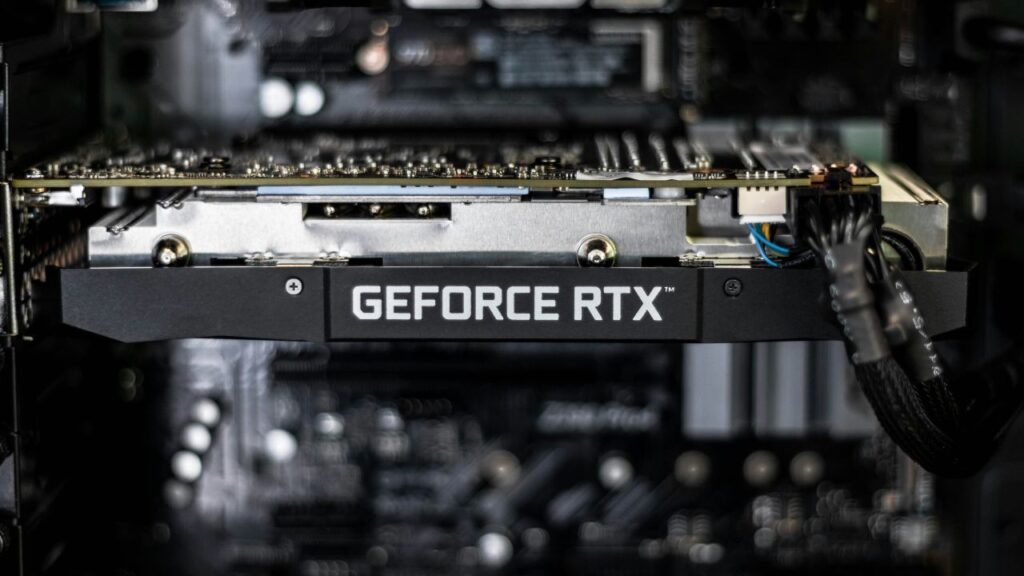
Nvidia tells a story of incredible ambition and technical power, but it follows a different set of rules. Nvidia is a leader in the industry, especially when it comes to advanced features like ray tracing and artificial intelligence. However, unlike AMD, Nvidia keeps the blueprints for its drivers private.
This means that as a Linux user, you must install a separate package of proprietary software to get the best performance. While modern Linux distributions have made this as easy as clicking a single button during setup, it does create a slight separation between the hardware and the operating system.
During deep testing, it has been observed that Nvidia cards often see a slightly larger performance drop when moving from Windows to Linux compared to AMD. While a game might run perfectly well, it might not reach the same peak frame rates you were used to on your old system. Furthermore, because the drivers are not part of the main Linux kernel, there is a small chance that a system update could cause a minor conflict.
For users who need the specific power of Nvidia for high end video editing or 3D rendering, these small hurdles are a fair trade for the massive power the cards provide. It is a path of high rewards for those who are willing to manage a slightly more complex relationship between their hardware and software.
Number 3. Intel and the journey of growth
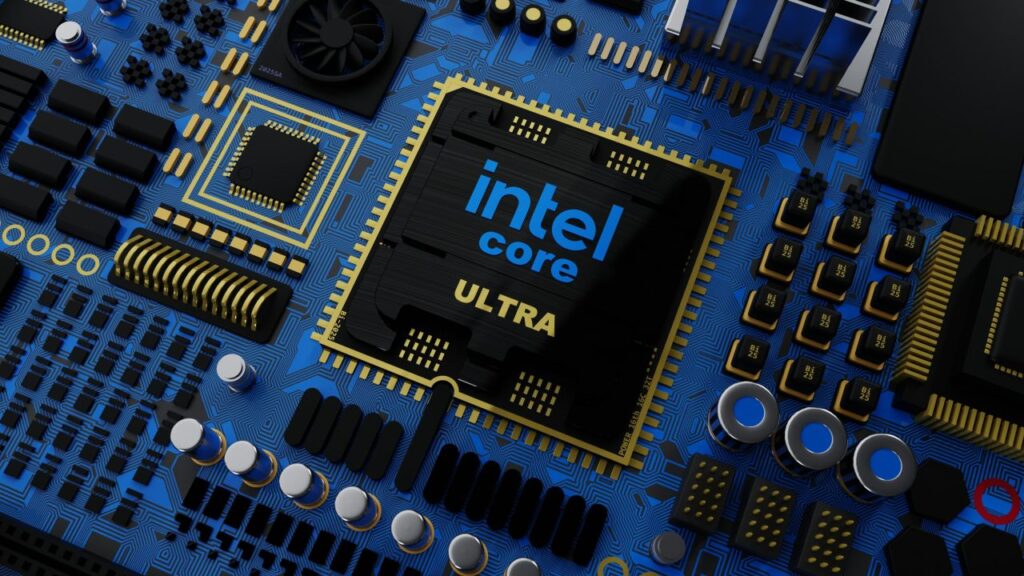
The newest chapter in our story involves Intel and their entry into the world of dedicated gaming graphics cards. Intel is currently in a phase of rapid learning and improvement. Like AMD, Intel has chosen to embrace the open source community, which means their drivers are also becoming a standard part of the Linux system. This is a very positive sign for the future of the platform. However, because these cards are still relatively new to the market, the performance can be a bit unpredictable.
In some games, an Intel card might perform significantly slower on Linux than it does on Windows, sometimes losing up to thirty percent of its potential speed.
Even in games that are designed specifically to run on Linux, the optimization for Intel hardware is still catching up to the years of polish that AMD and Nvidia have benefited from. This makes Intel a choice for the visionary user. If you are someone who enjoys being on the edge of new technology and wants to support a company that is actively working to improve the open source ecosystem, an Intel card is a fascinating option.
With every month that passes and every update to the Linux kernel, these cards become more stable and more powerful, representing a bright future for affordable Linux gaming.
Choosing your own adventure
One of the most comforting parts of the Linux gaming story is that the specific version of the system you choose to use matters much less than the hardware you put inside it. Many people worry that they must use a specialized gaming operating system like Bazzite or Nobara to get good results. However, when you look closely at the data, a standard and reliable system like Ubuntu provides almost identical gaming performance.
This is wonderful news because it means you do not have to sacrifice a clean and simple user interface just to play your favorite titles. You are free to choose the look and feel that resonates with you most.
The transition to Linux is ultimately about more than just frame rates and benchmarks. It is about the feeling of being in charge of your own digital life. Whether you choose the seamless harmony of AMD, the raw power of Nvidia, or the growing potential of Intel, you are making a choice to support a more open and honest way of computing.
The barriers that once kept gamers away from Linux have crumbled, replaced by a welcoming community and robust hardware support. Your computer is a tool for exploration and joy, and by choosing the right GPU for your journey, you are ensuring that your time spent in virtual worlds is as smooth and rewarding as possible.







[…] observers suggest that while the headliner may be controversial, the secondary and tertiary games could improve the overall value of the month. These are often […]
[…] Direct 2026 is officially in the books. As promised, this was a Partner Showcase, which means Nintendo stepped aside to let third-party developers take the wheel for thirty minutes. The stream was a rapid-fire mix of brand-new Switch 2 reveals […]