
How to use Figma Make for AI-powered Vibe Coding

The design world is shifting from manual pixel-pushing to intent-based creation. This shift is best represented by “Vibe Coding,” a process where you describe the look, feel, and function of an interface, and the computer generates the underlying structure. Figma has integrated this concept through a feature called Figma Make.
Using Figma Make for AI-powered Vibe Coding allows anyone, regardless of technical background, to build high-fidelity designs by simply communicating a “vibe.” You no longer need to worry about complex layers or nested frames immediately. Instead, you focus on the vision while the AI handles the technical execution.
Step-by-Step Guide to Vibe Coding
This guide is designed for everyone. If you can type a text message or use a search engine, you can use these tools.
Step 1. Open the Figma Make interface
Log into your Figma account and open a new or existing file. Look for the “Make” icon in the toolbar (it usually looks like a small sparkle or a cursor with a tail). Click this to open the AI prompt bar.
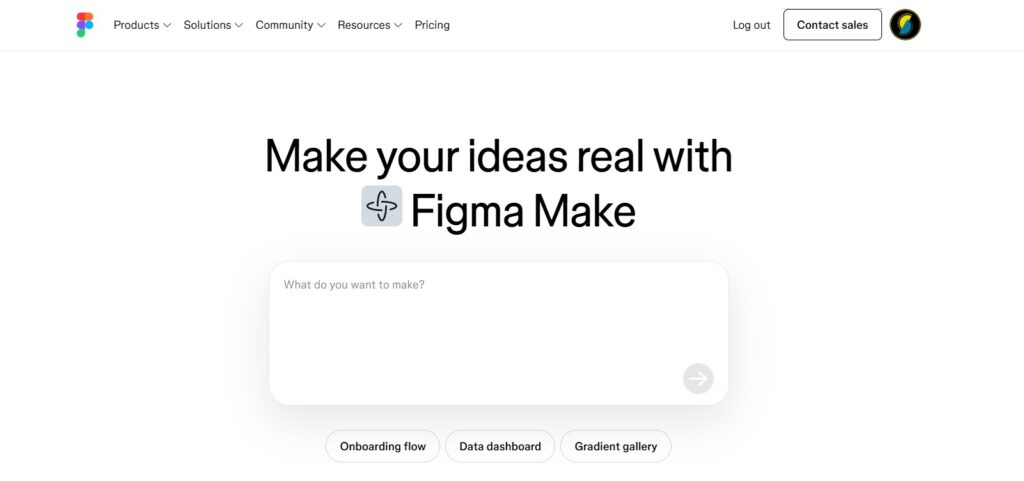
Step 2. Describe your idea
In the text box that appears, describe what you want to create. For Vibe Coding, you do not need to be overly technical. You can say something like: “Create a minimalist coffee shop landing page with a warm, cozy vibe and a large ‘Order Now’ button.”
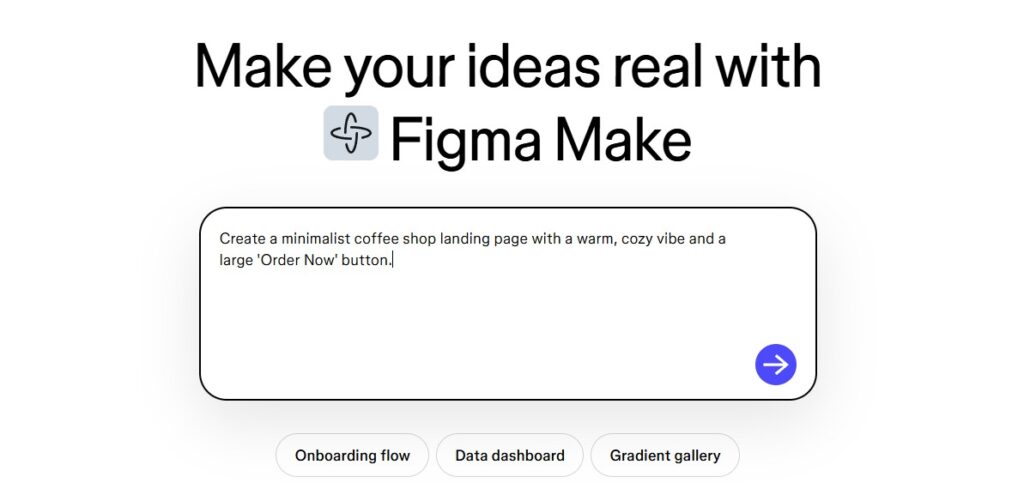
Step 3. Select Your Style Preferences
Figma Make will offer style options. You can choose specific color palettes or typography styles that match the mood you are aiming for. The AI uses these inputs to ensure the “vibe” is consistent across the entire design.
Step 4. Generate your idea and then iterate
Click the “Generate” button. Figma will build several variations of your request. Browse through them and select the one that feels right. If it is not perfect, you can refine it by typing a follow-up like: “Make the text larger and the colors more vibrant.”

Step 5. Review the Code and Structure
Because this is Figma Make for AI-powered Vibe Coding, the AI does more than draw shapes. It organizes the layers properly. You can click on the “Dev Mode” toggle to see the CSS or React code generated for your design, making it ready for a developer to use immediately.
You have just completed your first AI-assisted design. By learning how to use Figma Make for AI-powered Vibe Coding, you have bypassed hours of manual labor and moved straight to the creative heart of the project. This is a powerful skill that levels the playing field for creators of all ages.
Ready to start? Open Figma today and try your first “vibe” prompt. The only limit is your imagination.






[…] up for Figma and are staring at a blank screen, this guide is for you. Learning how to set up a Figma file the right way from the start will save you a lot of confusion […]