
KB5129195 Windows 11 update fixes Remote Desktop and Hyper-V problems

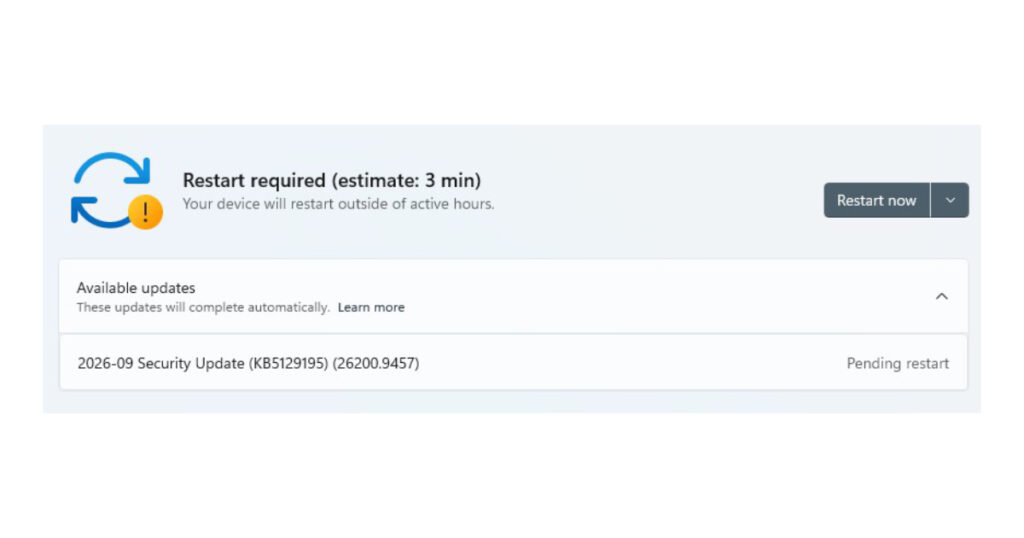
The KB5129195 Windows 11 update landed as an out-of-band release in September 2026, which is Microsoft’s way of saying “we broke something last time and we’re not waiting for next month to fix it.” It brings the build number to 26200.9457 and it’s a small update with a big job: patch a security hole and undo some damage from the update before it.
If you run Windows 11 in a home, office, or server environment, here’s what actually changed and why you should care.
What CVE-2026-62721 actually means for you
The main fix in this Windows 11 update patches CVE-2026-62721, a flaw in the Windows User-Mode Power Service, also called UMPS. This service handles power settings in the background — things like sleep, battery reporting, and power plans. It normally runs with limited permissions, like a low-level employee who can only touch specific files.
The bug let that low-level process climb higher than it should. Microsoft calls this an “elevation of privilege” vulnerability. In plain terms: someone or something already running on your machine with basic access could use this flaw to grab more control than they were ever supposed to have. It’s not a flaw that lets a stranger break in from the internet. It’s a flaw that lets something already inside your system do more damage once it’s there.
That’s still serious. Malware often doesn’t need to break the front door — it just needs a crack like this one to sneak from “barely there” to “in charge.” This KB5129195 Windows 11 update closes that crack.
The Remote Desktop mess from last month gets cleaned up
This is the part that will matter most to businesses and IT teams. Back in September 2026, Microsoft shipped KB5122880, a regular monthly security update. It caused real problems for anyone using Remote Desktop Services.
After installing that update, RDS became unstable on some machines. People trying to connect or sign in over Remote Desktop got failures. In worse cases, the whole server just stopped responding. And it didn’t stop there — tools that admins rely on every day, like Microsoft Management Console, the RDS Licensing Diagnoser, File Explorer, and even the Windows Update page itself, started freezing up too.
Picture a small business running a terminal server for its staff. Employees log in remotely each morning. One September update later, half of them can’t connect, and the admin trying to fix it can’t even open File Explorer to check the logs. That was the reality for some environments running that patch.
The KB5129195 Windows 11 update fixes this specific breakage. If your RDS setup went sideways after installing KB5122880, this is the patch that puts it back together.
Hyper-V and shared folders for Linux virtual machines
The second known-issue fix in this Windows 11 update deals with Hyper-V, specifically virtual machines managed through HCS, the Host Compute Service. This matters to developers and admins who run Linux virtual machines on a Windows host and share folders between the two using a system called Plan9.
Plan9 is basically the bridge that lets a Linux guest see and use folders sitting on the Windows host. Before this fix, that bridge was cracking. Shared folders either didn’t show up at all inside the Linux VM, or they showed up but couldn’t actually be opened or used.
If you’re a developer who keeps your project files on the Windows side and edits them from inside a Linux container or VM, this bug meant your workflow just stopped working. KB5129195 repairs that connection so shared folders behave the way they’re supposed to again.

USB audio in multichannel modes
The last fix is smaller but still annoying if it hit you. Some USB Audio Class 1.0 devices — a standard many external sound cards and audio interfaces follow — worked fine in normal stereo mode. But switch them to 8-channel surround or 3D audio modes, and they’d fail.
Think of a home studio setup or a small conference room with a multichannel USB audio interface. Basic music playback worked. But the moment someone tried to use full surround sound or spatial audio features, the device choked. This update fixes that specific failure.
Microsoft does note this isn’t a complete fix for every audio complaint tied to recent updates. Some other audio symptoms are still listed as known issues, so if you’re dealing with sound trouble beyond multichannel modes, this particular patch won’t solve it.
Should you install it
If you manage Remote Desktop Services and got hit by the September breakage, install this without waiting. The same goes if you rely on Hyper-V with Plan9 folder sharing for Linux VMs, or if your USB audio gear broke in multichannel mode.
For a typical home user with no RDS setup, no Linux VMs, and no complicated audio interface, the update mainly delivers the UMPS security patch. That alone is worth applying since it closes a real elevation of privilege gap. Windows Update should offer KB5129195 on its own, and it will move your build to 26200.9457 once it’s done.
Out-of-band updates like this one exist because sometimes a monthly patch causes more trouble than the vulnerabilities it fixed. This is Microsoft going back to clean up its own mess, and for once, that’s exactly what it does.